






Stream Circle connects the core operations needed to run a TV channel: media preparation, playlist scheduling, live inputs, graphics, playout control, monitoring, and as-run logging. Use it as a standalone playout setup or connect it with traffic, media asset management (MAM), and reporting systems already in place.
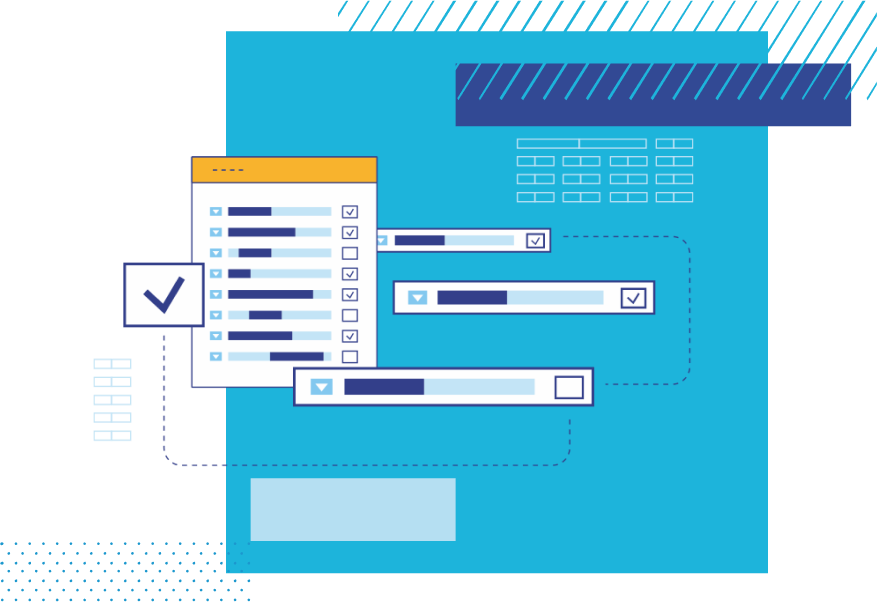
Build playlists manually from reusable templates, or with metadata-based rules. Fixed start times, floating durations, dynamic blocks, and media availability checks help keep the schedule ready for air.
Read moreRender HTML/CSS/JS graphics directly in Stream Circle. Attach lower thirds, tickers, logos, and full-screen graphics to schedules, or trigger them from the running playlist.
Read more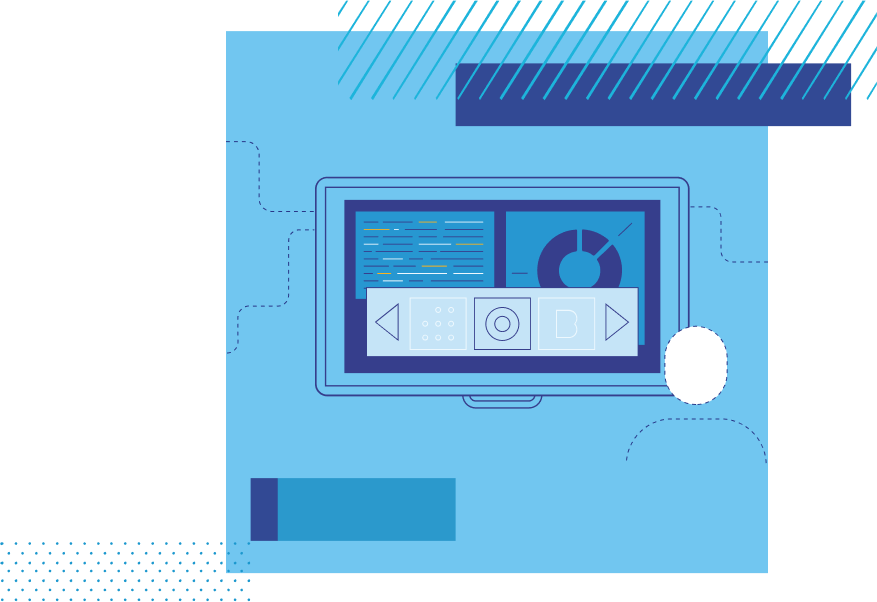
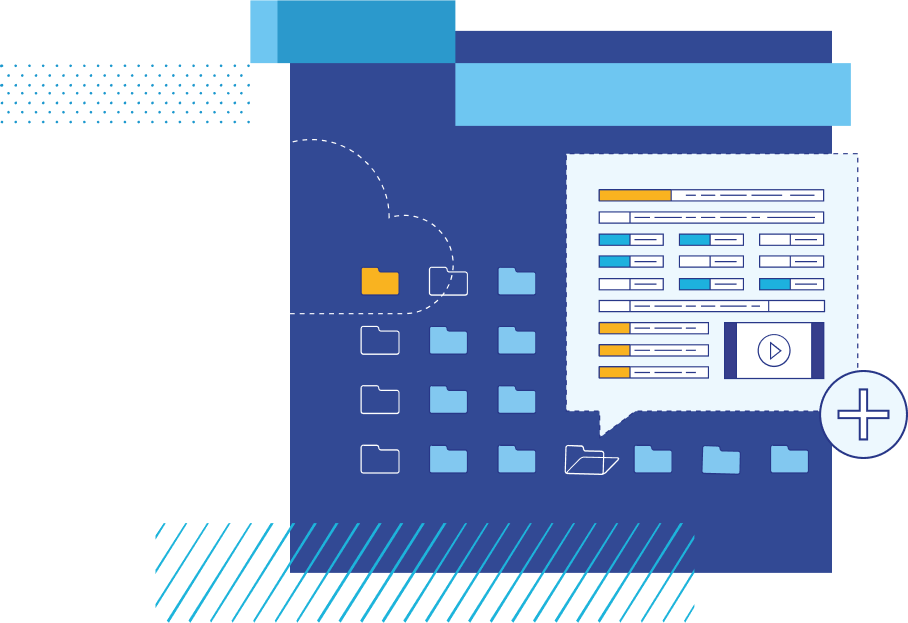
Prepare media files, live inputs, subtitles, and graphics before they enter the schedule. Use folders, metadata, and segmentation tools to keep playout content organised.
Read moreControl the running playlist from the playout monitor. Insert, skip, trim, or remove primary and secondary items while keeping a detailed as-run record.
Read more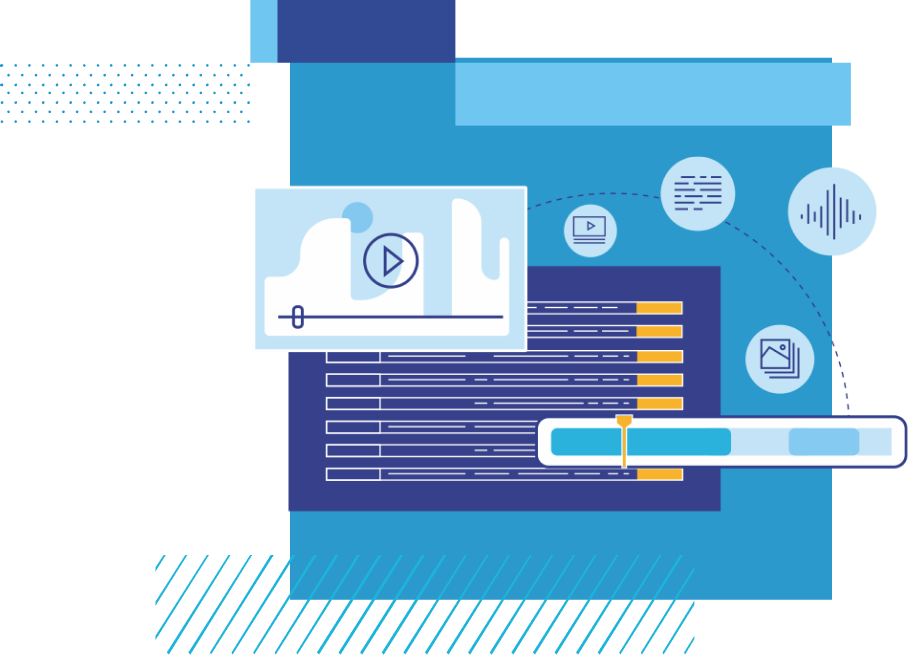

Start with a self-contained channel setup, replace an existing playout component, move selected playout operations to the cloud, or extend your broadcast operation with additional channels. Stream Circle runs standalone, or as part of a larger broadcast workflow.

Run a full-format, 24/7 channel with content management, playlist scheduling, graphics, playout control, and as-run logging.
Read more
Add news, sports, music, slow TV, or other thematic channels using reusable schedules, metadata rules, and shared playout infrastructure.
Read more
Run content management, scheduling, graphics, and playout on a single Stream Circle server for self-contained channel operation.
Read more
Keep your existing traffic and MAM systems. Stream Circle exchanges playlists, metadata, and as-run logs via BXF, APIs, or agreed interfaces.
Read more
Run selected playout components in public or private cloud environments, wherever it fits your signal flow, media delivery, and operational model.
Read more
Operate Stream Circle on your own servers with local storage, SDI/IP output, and integration with your existing broadcast network.
Read more
Use synchronised primary and secondary playout servers, or standby capacity for multiple channels, to keep output available when a component fails.
Read more
Run an independent emergency playout alongside your primary system, continuously updated and ready for operator-initiated switchover.
Read more