Live graphics

Create, schedule, and control HTML graphics in the playout workflow.
Stream Circle renders and controls on-screen graphics as part of the playout workflow. Graphics can be attached to schedules, playlist items, live inputs, or triggered directly from the running playlist.
For creating and managing production-ready broadcast graphics, Stream Circle can works alongside Tweenly — a web-based graphics tool from PROVYS Technologies for building HTML overlays, lower thirds, tickers, score widgets, bugs, stingers, and data-driven graphics.
Graphics can also be created in external HTML tools and used in Stream Circle where a project requires it.
Key capabilities
• HTML/CSS/JS graphics — standard web technologies for broadcast graphics.
• Tweenly graphics creation — build and manage production-ready HTML graphics for Stream Circle playout.
• Playlist graphics — attach graphics to plans, playlist items, live inputs, or running events.
• Live parameters — update selected text or data fields while graphics are on air.
• Data-driven graphics — connect graphics to external data sources, APIs, or structured feeds.
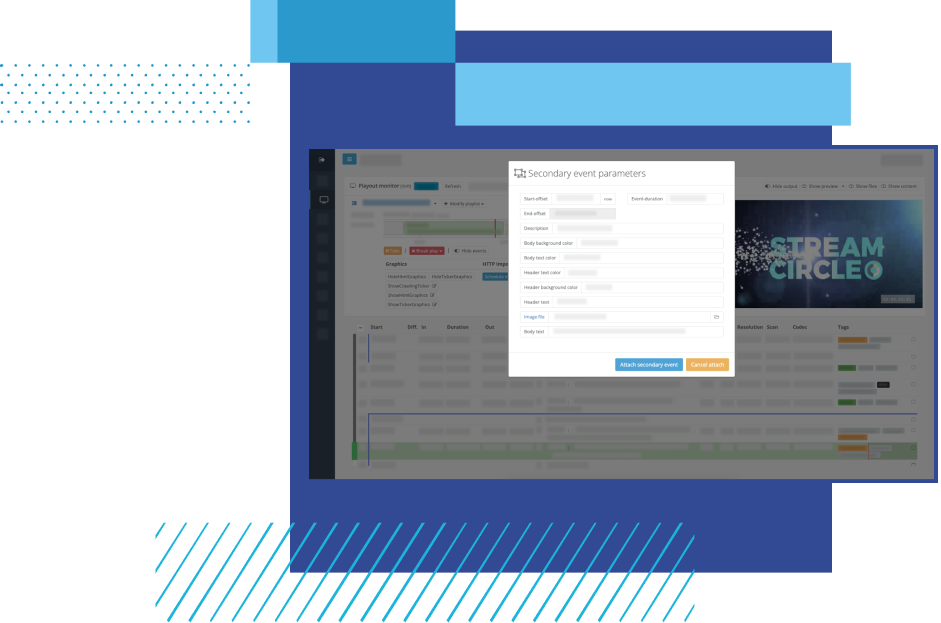
• Primary and secondary events — use graphics as full-screen items or overlays.
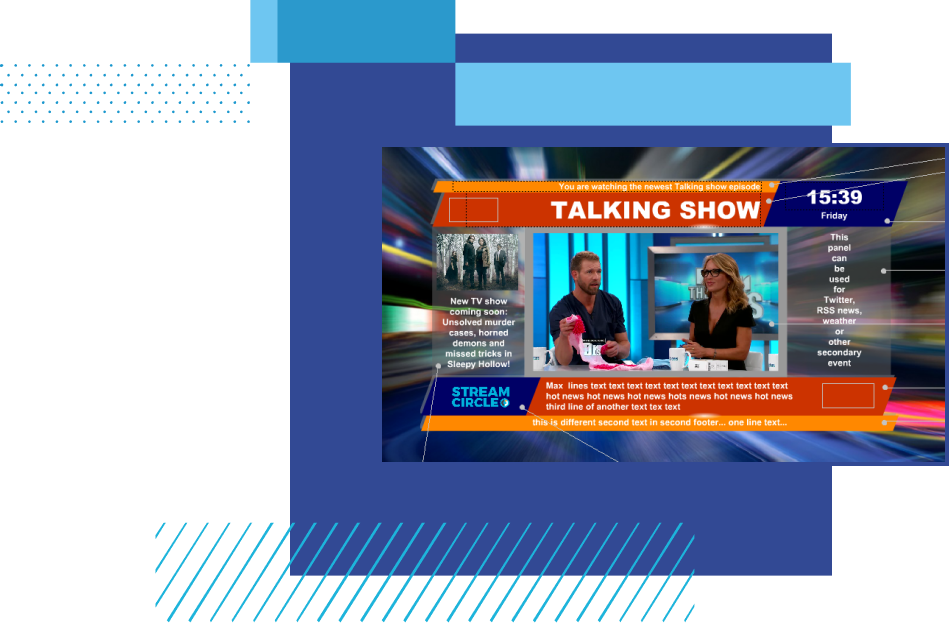
Graphics for primary and secondary events
Stream Circle graphics can be used as full-screen primary items or as secondary overlays such as lower thirds, tickers, subtitles, logos, rating graphics, score widgets, full-page templates, or data-driven visual elements.
Graphics can be planned in advance, attached to playlist items, or controlled from the running playlist when the channel operation requires it.
Tweenly graphics creation
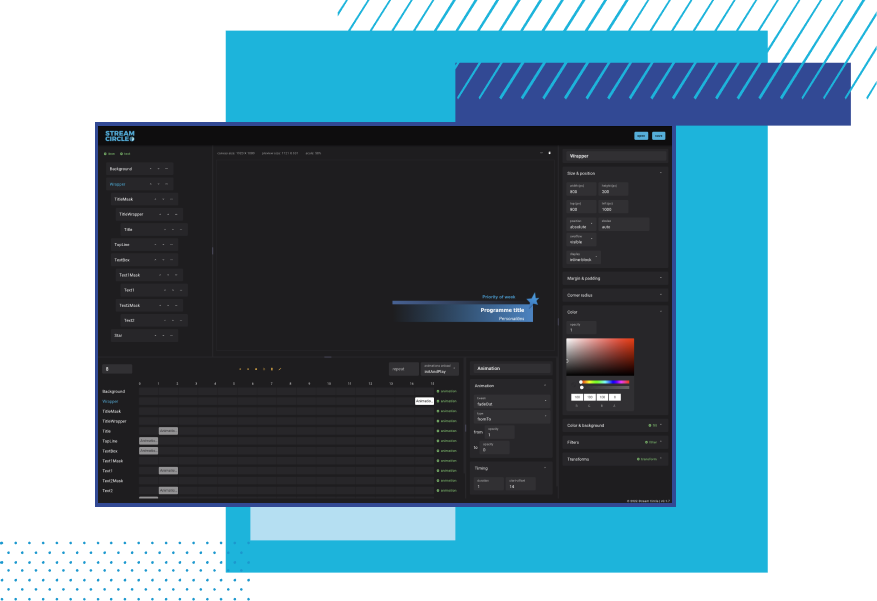
Tweenly helps teams create broadcast graphics that can be used in Stream Circle playout.
Designers can build lower thirds, tickers, bugs, score widgets, stingers, and other HTML overlays in a web-based editor, then bind them to live data and prepare them for use on air.
This gives graphics teams a dedicated creation environment while Stream Circle handles scheduling, triggering, and playout control.
Control live graphics with Tweenly On Air
Tweenly On Air gives operators a browser-based interface for controlling graphics during a live broadcast.
Prepared graphics can be loaded into Preview, updated with text, images or live data, and then taken to air. Multiple graphics can run on separate layers, allowing operators to control elements such as lower thirds, tickers, score widgets, bugs and sponsor graphics independently.
Tweenly On Air controls live graphics over the running Stream Circle playlist, while Stream Circle continues to handle the channel schedule and playout.